Electronic tools make our work faster, easier, and more efficient. Whether you use them for professional work, home improvement, or industrial projects, proper maintenance is the key to extending their lifespan and ensuring safe operation.
But many people ignore regular care — and that leads to breakdowns, costly repairs, and even safety risks.
In this guide, you’ll learn practical and easy maintenance tips for electronic tools that help improve performance, reduce repair costs, and increase durability.
Why Maintenance of Electronic Tools Is Important
Regular maintenance helps:
- Prevent sudden breakdowns
- Improve efficiency and performance
- Increase tool lifespan
- Reduce repair expenses
- Ensure electrical safety
Electronic tools contain sensitive components like motors, circuits, wiring, and batteries. Dust, moisture, and improper handling can damage these parts over time.
Taking small preventive steps today can save you significant money tomorrow.
1. Clean Your Tools Regularly
Dust is the biggest enemy of electronic tools.
After every use:
- Wipe the outer surface with a dry cloth
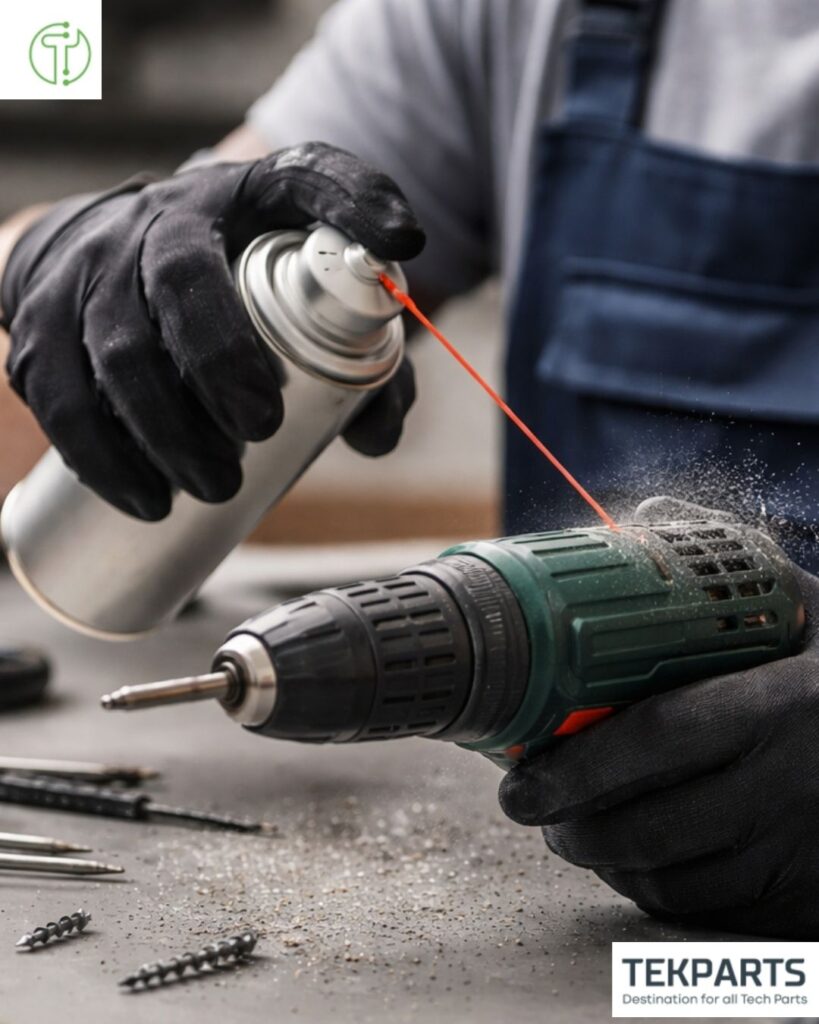
- Use compressed air to remove dust from vents
- Clean moving parts carefully
Blocked air vents can cause overheating, which reduces motor life. Keeping tools clean improves airflow and performance.
Pro Tip: Never use water directly on electrical components.
2. Check Power Cords and Connections
Damaged power cords can cause:
- Electric shocks
- Short circuits
- Tool malfunction
Inspect cables for:
- Cuts
- Frayed wires
- Loose plugs
Replace damaged cords immediately. Using a faulty cable can damage internal circuits.
3. Store Tools Properly
Improper storage reduces tool life.
Best storage practices:
- Keep tools in a dry place
- Avoid humidity and moisture
- Store in original case or toolbox
- Keep away from extreme heat
Moisture can corrode internal circuits and metal parts.
4. Maintain Batteries Correctly (For Cordless Tools)
Battery care is essential for cordless electronic tools.
Follow these steps:
- Avoid overcharging
- Do not drain battery completely every time
- Store batteries at room temperature
- Use manufacturer-approved chargers
Proper battery maintenance improves charging cycles and extends battery life.
5. Lubricate Moving Parts
Some electronic tools have mechanical components like gears and bearings.
Regular lubrication:
- Reduces friction
- Prevents overheating
- Extends motor life
Use recommended lubricants only.
6. Avoid Overloading the Tool
Using a tool beyond its capacity damages the motor.
For example:
- Do not force a drill through hard material
- Do not run tools continuously for long periods without breaks
Overheating is a major reason for electronic tool failure.
Allow cooling time during heavy use.
7. Schedule Periodic Inspection
For professional users, regular inspection is crucial.
Check:
- Internal wiring
- Carbon brushes
- Switch functioning
- Motor sound
Unusual noise or vibration often indicates internal wear.
If needed, consult an authorized service center.
8. Update Software (For Advanced Electronic Tools)
Modern electronic equipment may have firmware or digital controls.
- Keep firmware updated
- Follow manufacturer guidelines
- Reset tools if performance drops
Smart tools require both physical and digital maintenance.
9. Use the Right Tool for the Job
Many tools fail because they are used incorrectly.
Always:
- Read the user manual
- Follow safety instructions
- Use proper attachments
- Avoid DIY internal repairs
Using the right tool properly increases lifespan and safety.
Common Mistakes to Avoid
- Ignoring unusual sounds
- Using damaged cables
- Storing tools in damp areas
- Overcharging batteries
- Skipping regular cleaning
Small negligence leads to expensive repairs.
Safety Tips While Maintaining Electronic Tools
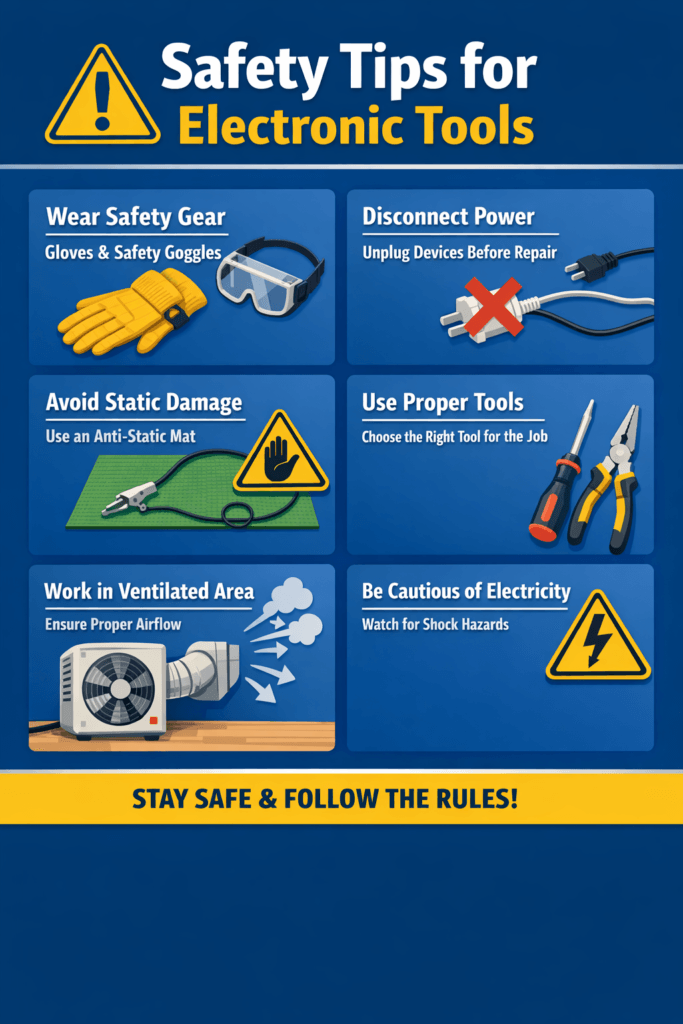
- Disconnect power before cleaning
- Remove batteries before inspection
- Wear safety gloves
- Avoid touching internal circuits
- Never repair complex parts without expertise
Safety should always be your priority.
How Regular Maintenance Saves Money
Many users replace tools frequently because of poor maintenance.
Regular care:
- Reduces breakdowns
- Increases durability
- Minimizes downtime
- Protects your investment
Preventive maintenance is always cheaper than repair.
Final Thoughts
Electronic tools are long-term investments. With proper cleaning, safe storage, battery care, and routine inspections, you can significantly extend their lifespan and maintain peak performance.
Taking just a few minutes after each use can prevent years of problems.
If you rely on electronic tools for work or business, maintenance is not optional — it is essential.